

Press kit · FadeList 3.0 · Out now
The FadeList press kit.
A calm daily to-do list for iPhone, iPad and Mac. Descriptions, facts, screens and quotes, free to use. Contact us for the full press kit.
The full kit has iPhone and iPad screens in full resolution, plus the App Store slides.
At a glance
Tasks on the free list
5Enough for a focused day.
Rolls over automatically
0Yesterday fades. You choose what stays.
Themes, each with its own icon
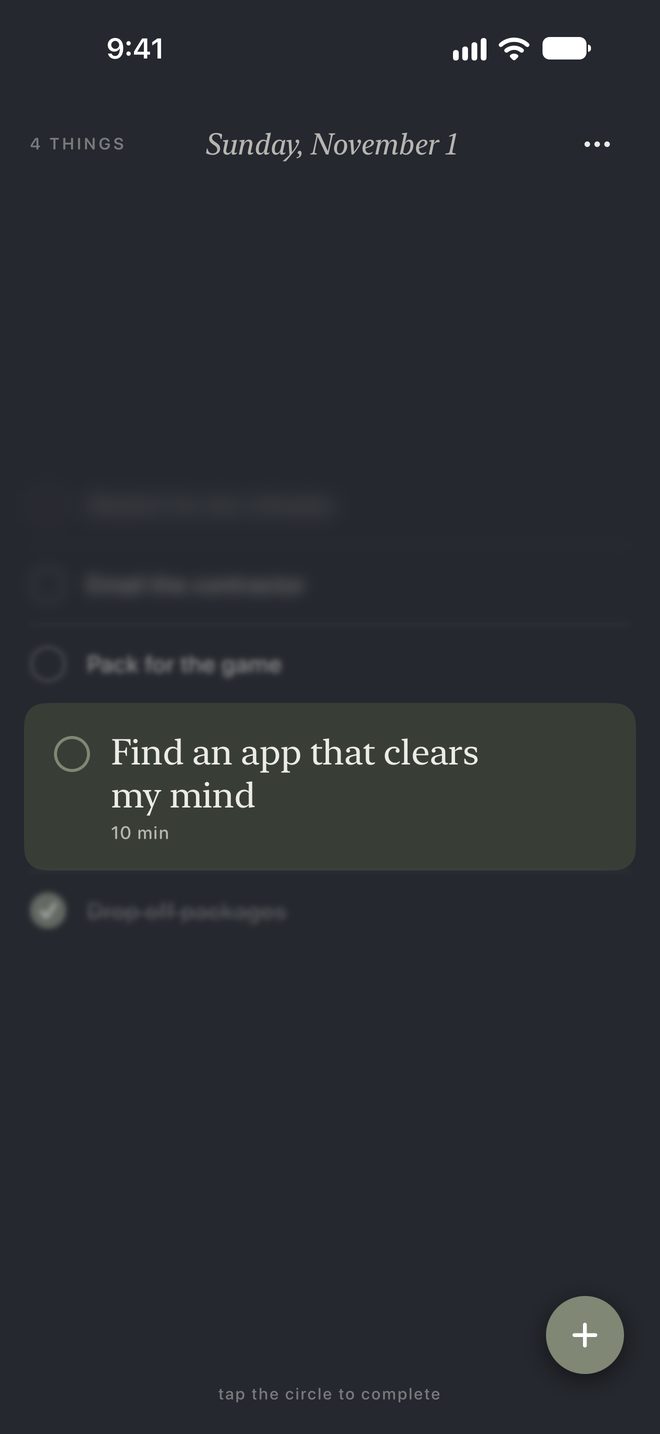
6Sage, Stone, Ocean, Clay, Dusk, Midnight.
New in 3.0
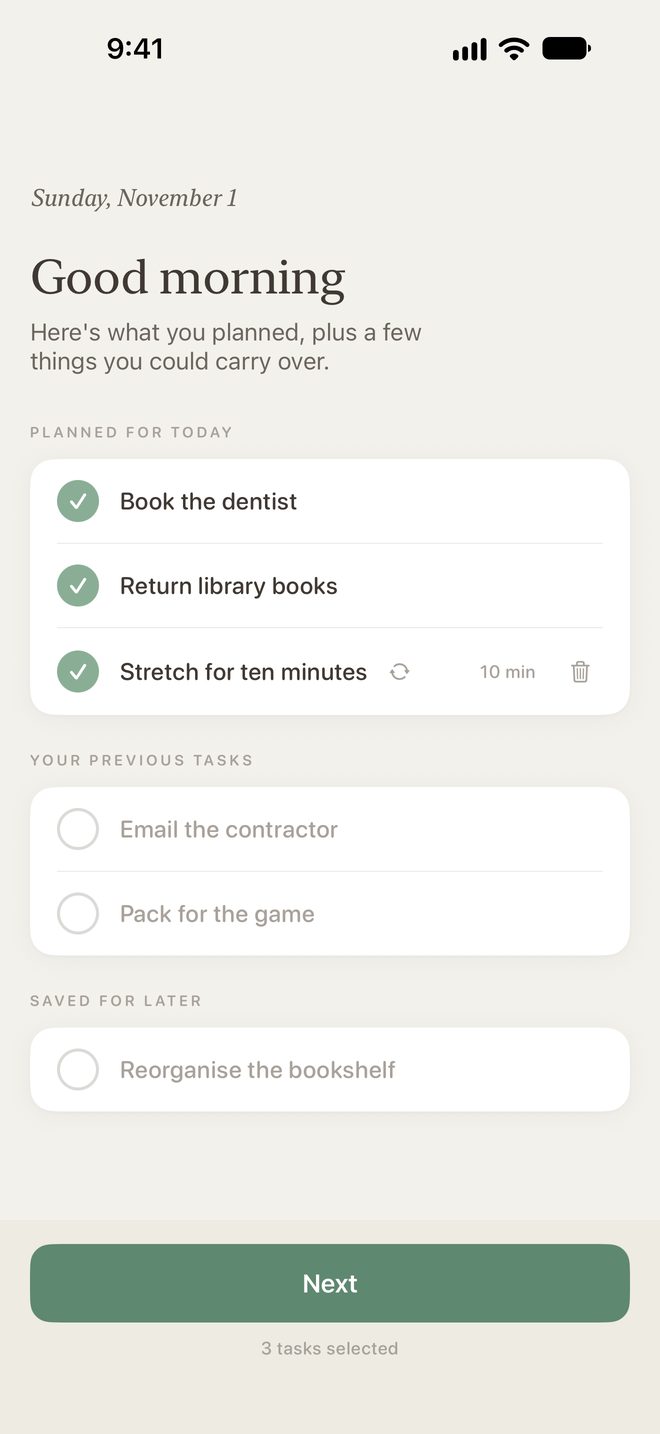
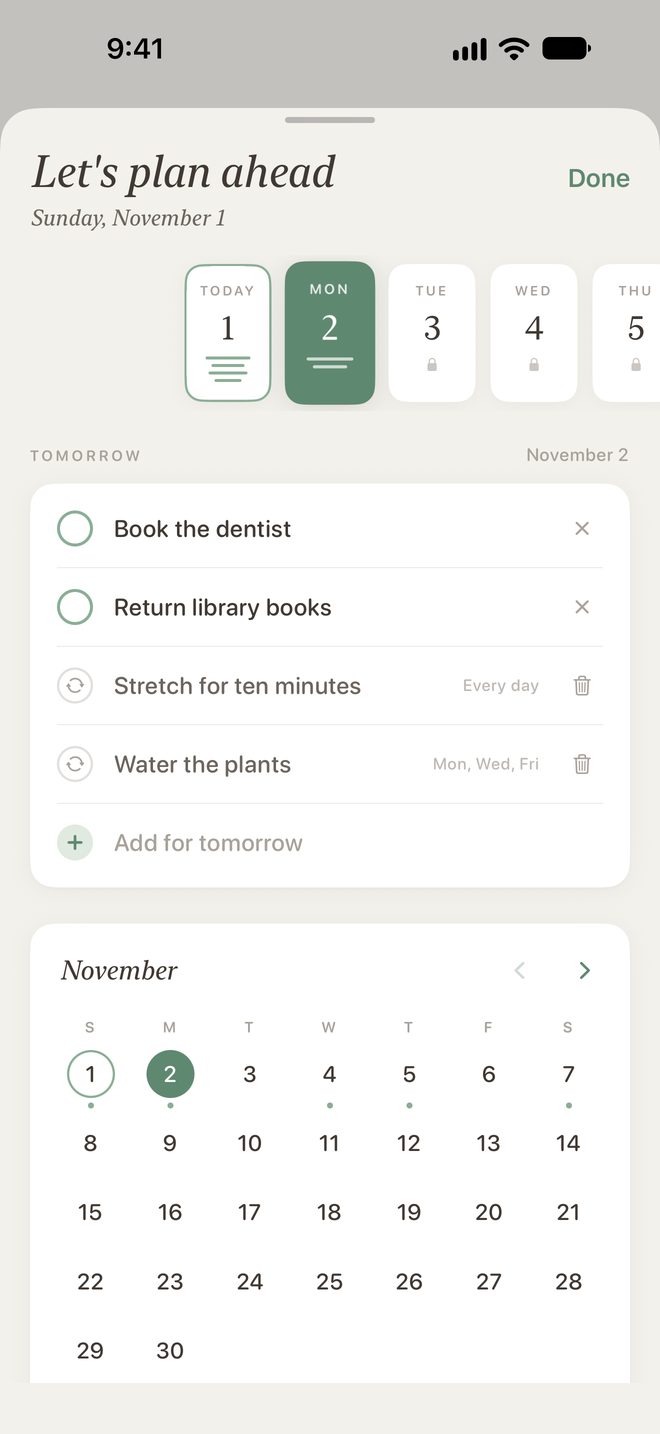
Plan Ahead puts tasks on a coming day. Recurring Tasks bring the weekly things back on their day. Build your list is the new morning flow. All three lead back to today.
Native on every Apple device
Built in SwiftUI for iPhone, iPad and Mac, synced by iCloud, with a Home Screen widget that lets you check tasks off without opening the app.
Describing FadeList
One line
FadeList is a calm daily to-do list for iPhone, iPad and Mac. Focus on now. Let the rest fade.
About 50 words
FadeList is a calm, minimalist to-do list for iPhone, iPad and Mac, built around a single day. Unfinished tasks don't pile up into a backlog. Each morning, yesterday fades, and you choose what's worth carrying into today. FadeList 3.0 adds Plan Ahead and Recurring Tasks without adding clutter.
About 150 words
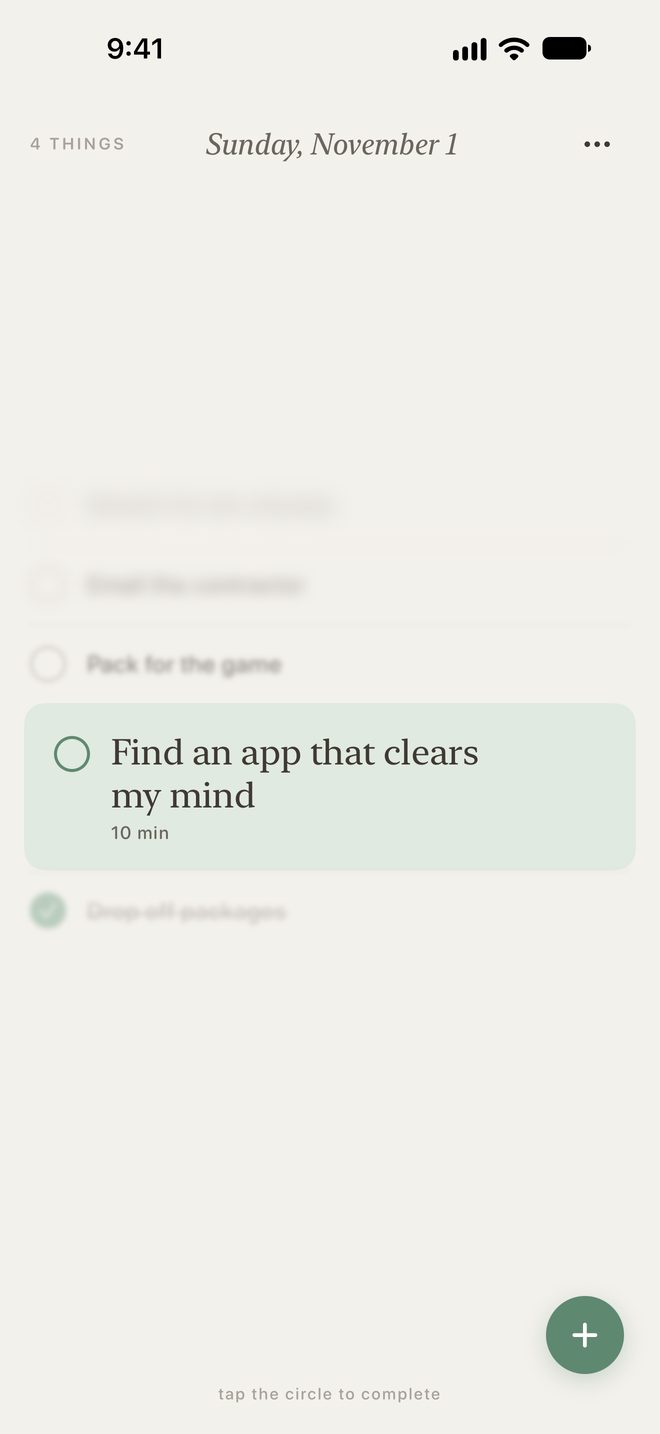
FadeList is a calm, minimalist to-do list for iPhone, iPad and Mac. Most task managers reward accumulation: tasks roll over, the list grows, and people end up managing the backlog instead of doing the work. FadeList is built around a single day instead. You choose what matters today and see the next thing to do. When a new day begins, yesterday's unfinished tasks fade, and FadeList gently asks whether you'd like to carry any of them forward. Keeping is the deliberate choice. FadeList 3.0, out November 10, adds Plan Ahead, for putting tasks on a coming day, and Recurring Tasks, for the things you do every week. Both lead back to today. The app has six warm, natural themes with matching icons, a Home Screen widget and iCloud sync. It's free for up to five tasks a day, with FadeList+ for more.
Screens
From FadeList 3.0 on iPhone. Full-resolution versions, and the iPad screens, come with the kit.
The details
- App
- FadeList
- Maker
- Jarred, Markup Creative
- Platforms
- iPhone, iPad and Mac, built natively in SwiftUI
- Latest version
- FadeList 3.0, out now Tuesday, November 10, 2026
- New in 3.0
- Plan Ahead, Recurring Tasks and a new morning flow, Build your list
- Price
- Free for up to 5 tasks at a time. FadeList+ adds unlimited tasks, the Home Screen widget, custom app icons and any-length time estimates: $1.99 a month, $14.99 a year with a 14-day free trial, or $19.99 once for life (USD).
- Themes
- Six: Sage, Stone, Ocean, Clay, Dusk and Midnight, each with a matching app icon
- Sync
- iCloud, across iPhone, iPad and Mac
- Privacy
- No account to create. fadelist.app/privacy
- App Store
- apps.apple.com/…/id6780299815
- Press contact
- support@fadelist.app
About the maker
Short bio
Jarred built FadeList, a calm daily to-do list for iPhone, iPad and Mac, at Markup Creative. After years of battling focus and trying every system, planner and timer, he wanted a tool that showed only the next thing to do. He built it for himself, and uses it every day.
The longer story, in his own words: Why I built FadeList.
Quotes from Jarred
Jarred, maker of FadeList
“There might be a hundred things on my plate. I don't need to see all hundred. I need to see the next one.”
Jarred, maker of FadeList
“I tried every system, every planner, even timer cubes. They all helped me keep track. None of them helped me focus.”
Jarred, maker of FadeList
“In 3.0 I added Plan Ahead and Recurring Tasks, but only in ways that keep FadeList as simple as it started.”
Anything else?
App icons, a promo code, a TestFlight build or a quick answer: get in touch.